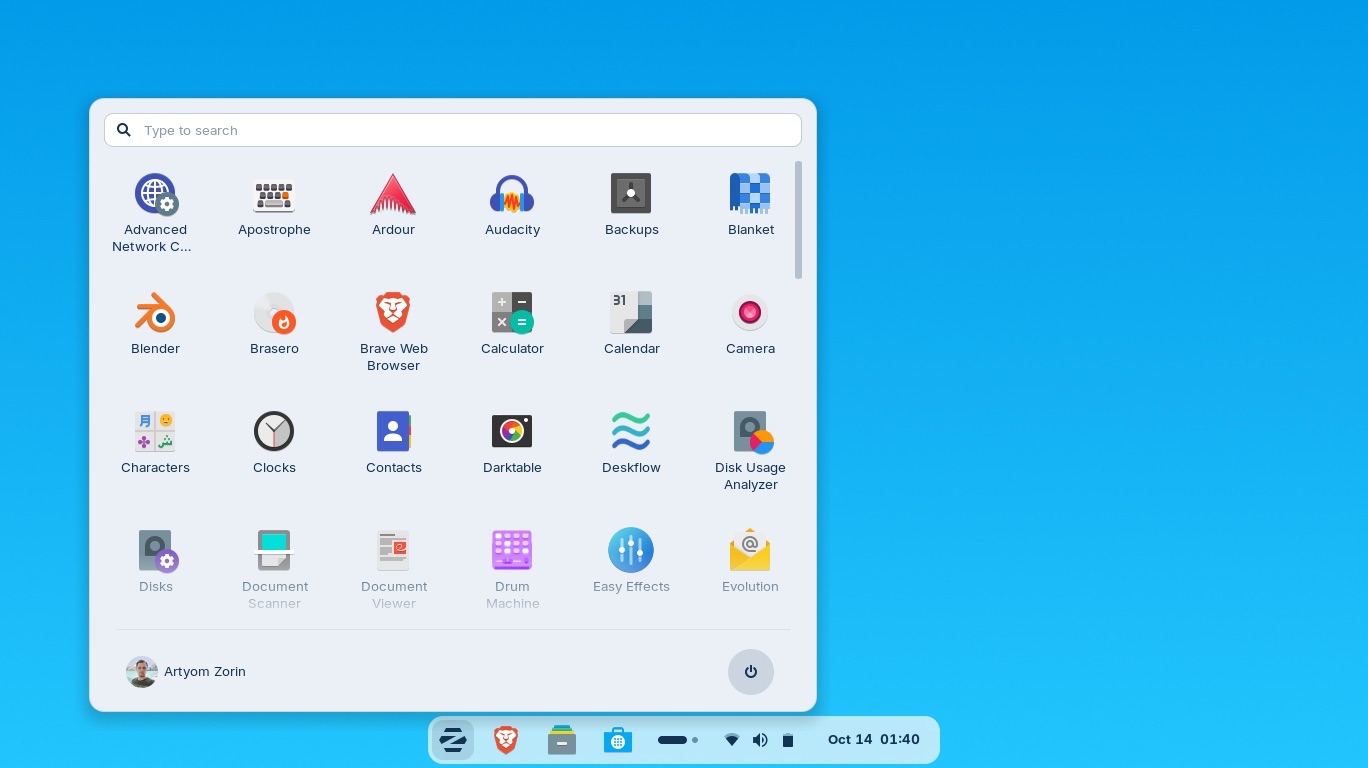
Here are the steps to download Zorin Os Pro Free
Zorin OS Pro is a paid edition of the Zorin OS Linux distribution, designed for power users and professionals with advanced features like premium themes, additional apps (e.g., Blender, DaVinci Resolve), and enhanced customization options. Unlike the free Core edition, Pro requires a purchase to support the developers and unlock full functionality, including future upgrades. As of October 2025, the latest stable version is Zorin OS 17.3, with Zorin OS 18 in beta.
Downloading Pro for free is not officially supported, and using unofficial sources (e.g., torrents or third-party sites) can expose you to malware, corrupted files, or legal issues. Instead, here’s how to access it legitimately:

1. Purchase and Download Zorin OS Pro Officially
- Cost: Starts at around $39 (one-time fee per device; exact pricing varies by region and quantity—check the site for details).
- Steps:
- Visit the official Zorin OS Pro page: zorin.com/os/pro.
- Click the “Download Zorin OS Pro” button.
- Enter your email address to proceed to checkout.
- Select quantity (e.g., 1 license) and complete payment via the secure form.
- You’ll receive a download link via email immediately after purchase.
- Download the ISO file (about 4-5 GB).
- Verify the file integrity using the SHA256 checksum provided on the site (instructions: help.zorin.com/docs/getting-started/check-the-integrity-of-your-copy-of-zorin-os).
- Benefits: Includes lifetime access to updates, support, and all Pro-exclusive features.
2. Test Zorin OS for Free Before Buying Pro
If you want to try the OS without committing to Pro, download the free Zorin OS Core edition, which shares the same base as Pro and lets you test compatibility.
- Steps:
- Go to zorin.com/os/download.
- Select “Zorin OS Core” (free).
- Download the ISO.
- Create a bootable USB using tools like Rufus (Windows), Etcher (cross-platform), or
dd(Linux/macOS). - Boot from the USB to run a live session (no installation needed) or install it alongside your current OS.
- Upgrade Path: Once installed, you can buy a Pro license key from the Zorin store within the OS to unlock Pro features without reinstalling.
3. Try the Zorin OS 18 Beta (Free, but Limited)
- The upcoming Zorin OS 18 beta includes some preview features from Pro editions.
- Download from zorin.com/os/download under beta options.
- Note: Betas are unstable and not recommended for daily use; upgrade to stable Pro later for full support.
Why Not Unofficial “Free” Downloads?
- Sites claiming “free Pro” downloads (e.g., torrents or file-sharing hosts) often distribute modified or fake ISOs that could harm your system.
- Community discussions (e.g., on Reddit) confirm that “free Pro” hacks exist but break updates, violate terms, and aren’t endorsed.
If budget is a concern, stick with the excellent free Core edition—it’s powerful for most users. For business/organizational use, Pro licenses are required per device. If you have questions about installation or compatibility, check Zorin’s help center: help.zorin.com.